Portfolio and organic-growth evidence are prominent
The design signature that distinguishes this layout.
Content Writer Resume Template — Portfolio & SEO
Content Strategy uses an editorial typographic header and links the portfolio beside the name. Experience entries make traffic, ranking, conversion, publishing cadence and audience growth explicit, while formats and CMS tools stay searchable.
Content resume guidance
Professionals and applicants in Content who need a resume whose section order reflects the evidence hiring teams in this field actually screen for.
Content Strategy is a creative resume template with a typographic layout with minimal chrome layout, built for Content Writers, Content Strategists, Copywriters.
It is built for Content Writers, Content Strategists, Copywriters. The section order follows what hiring teams in this field screen first.
It turns your details into a formatted document and exports it. Open the template, replace the sample text, download the file.
| Layout | Typographic layout with minimal chrome |
|---|---|
| Palette | #292524 with #b45309 accents |
| Section headings | Experience, Education, Skills |
| Exports | PDF, Microsoft Word (.docx) and plain text (.txt), watermark-free |
| Best suited to | Content Writers, Content Strategists, Copywriters |
The facts of your own history, and one result per role. No account, no card, no upload.
Six decisions are already made in this layout, so you are choosing a structure rather than building one from an empty page.
The design signature that distinguishes this layout.
Designed specifically for these roles and industries
Everything you need to know about this template
It gives the evidence content hiring teams screen first the right amount of space, while keeping a conventional, ATS-readable timeline. It cannot tell you what to include — that comes from your own history.
Yes. Every section and colour is editable, but keep the standard headings and one reading order when submitting through an applicant tracking system.
ATS products and employer configurations differ, so this template cannot guarantee parsing or screening results. Check the layout and exported text, use accurate role-specific content, and follow the employer's file instructions. Any compatibility percentage shown on this page is not an independent test by an ATS provider.
You can export a PDF without a watermark. Review the downloaded file before sending it and follow the employer's requested file format. ATS products and employer settings differ, so no template or export can guarantee parsing in every system.
The resume builder and PDF export are currently available without payment or an account. Online AI or analysis tools may depend on service availability; see the Privacy Policy for details about how submitted information is processed.
No account is required to use the builder. Drafts are stored in your browser; some online features send submitted information to configured services for processing. See the Privacy Policy for details.
The time depends on how much information you need to enter and revise. You can work through the template at your own pace and return to the same browser to continue.
Explore more creative resume templates
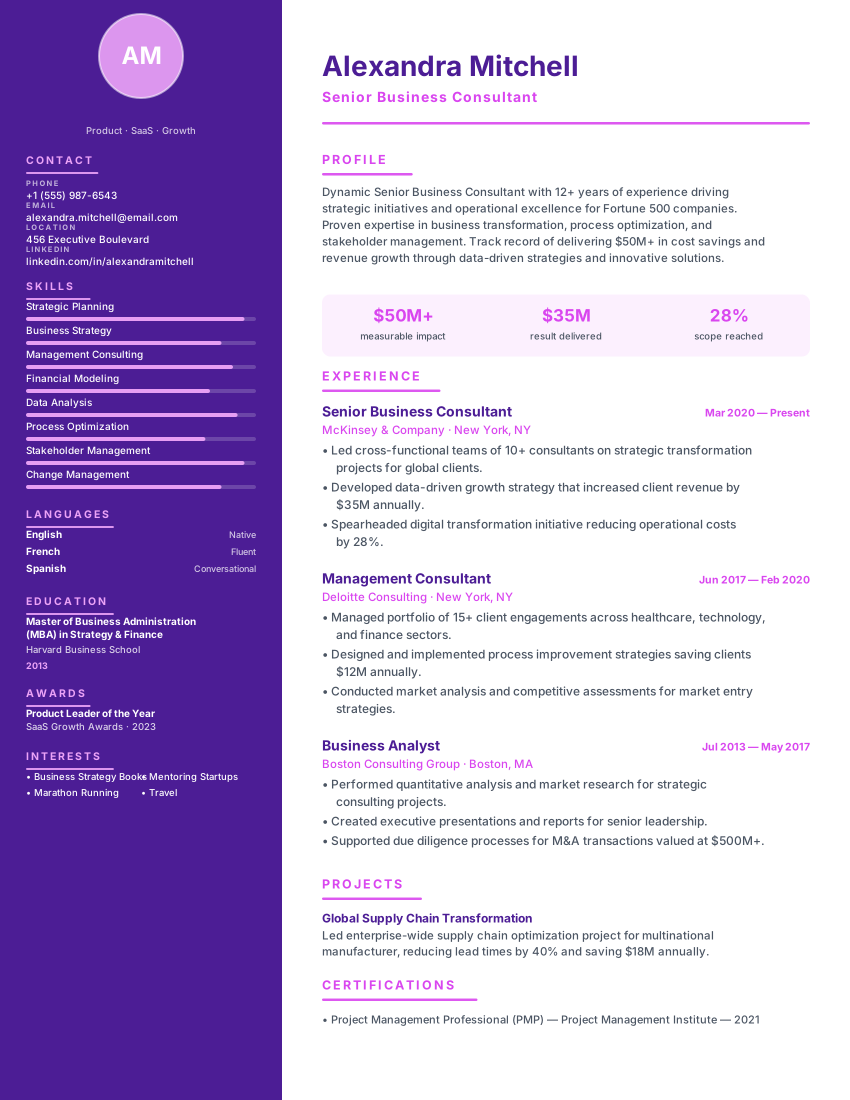
Vibrant creative resume with deep purple sidebar and magenta timeline dots for designers, artists and brand strategists.
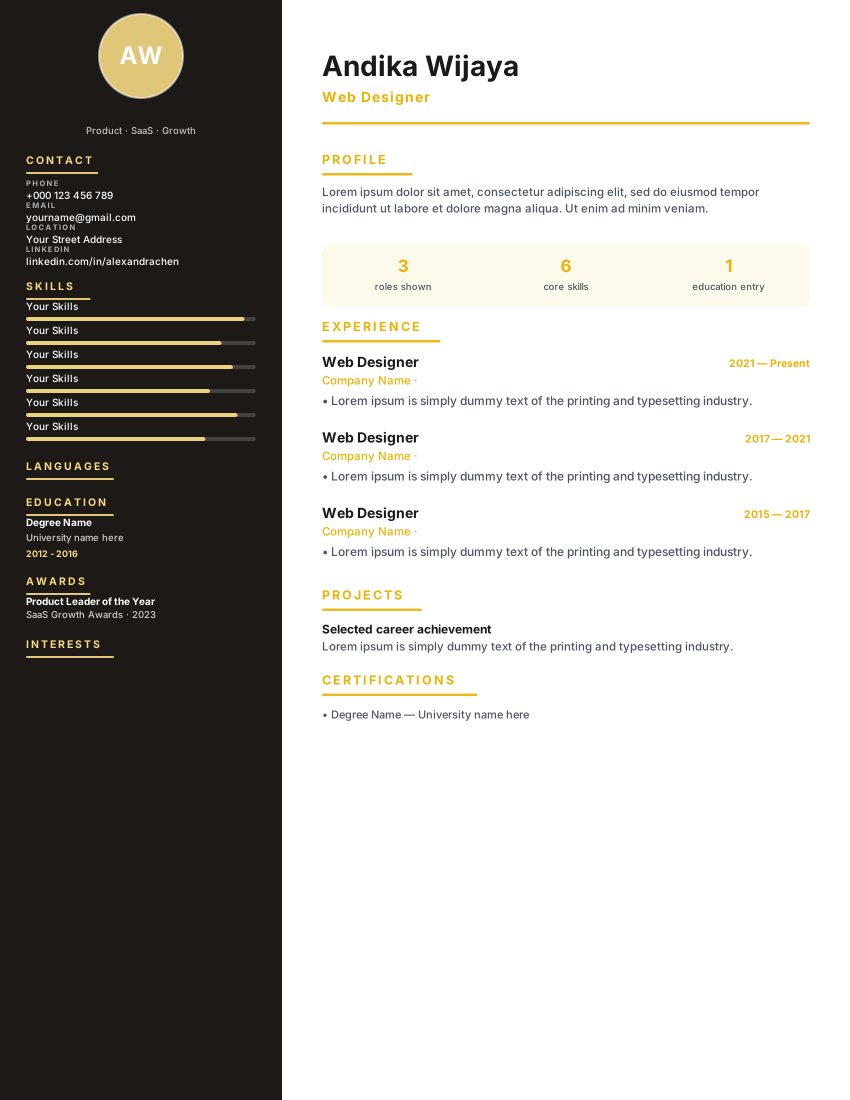
Luxury dark charcoal sidebar with true gold accents and skill bars for web designers and creative directors who want a portfolio-style resume.
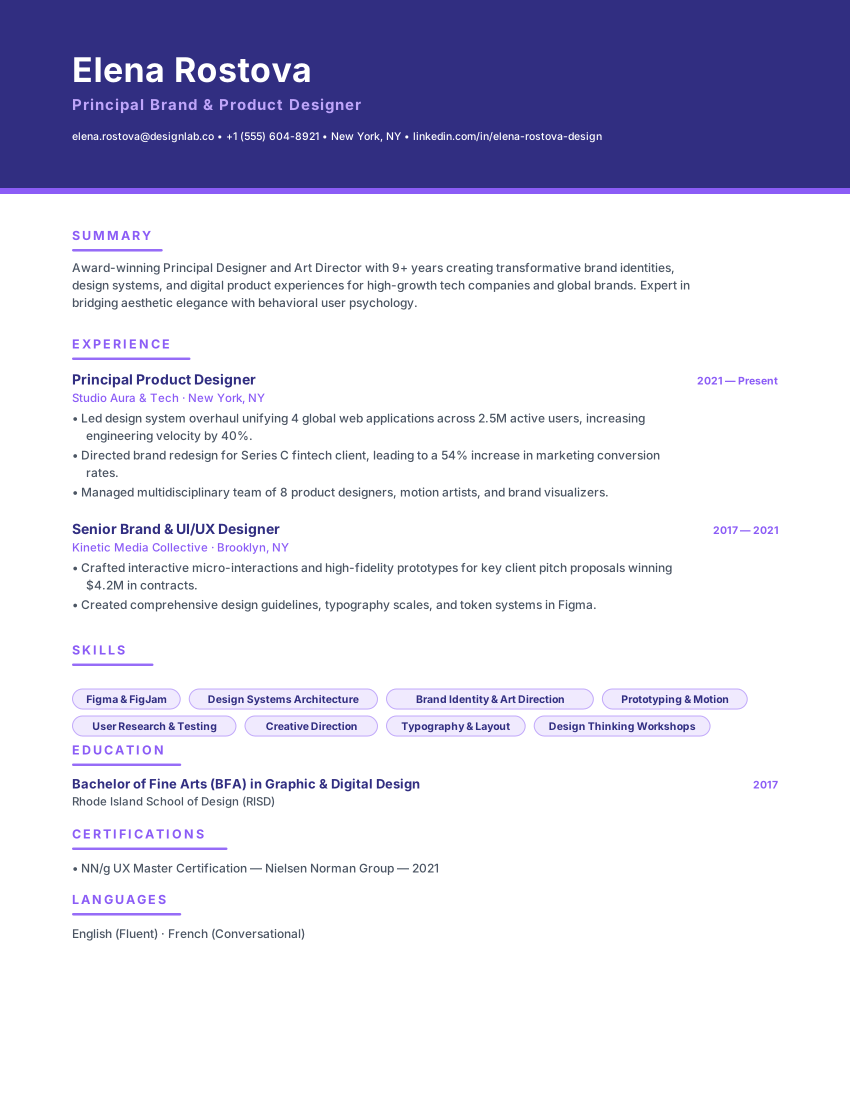
Creative banner resume with indigo header, violet accents and card-style left lines for UI/UX and brand designers.
Open the template, add your own details, and export when the document reads the way you want
No credit card requiredNo signup neededfree