8 templates · free, no signup

Cybersecurity Resume Templates

Security hiring verifies clearance, certifications and tool stack before it reads narrative. A CV that buries CISSP, Security+ or the SIEM name under a career summary slows that check down.

These cybersecurity resume templates put credentials and the detection stack where a first pass can find them, then leave the timeline for incidents, vulnerabilities, controls and risk reduction — without disclosing anything an employer would not want in a PDF.

  • free, no credit card
  • No login or signup
  • Live preview
  • PDF and Word export

8 layouts that fit how cybersecurity analyst hiring actually reads a CV. Open a card to preview, or start in the builder — the same content reflows if you switch template later.

Filled example
Template layout
Use Template

Cybersecurity resume template with clearance, certifications, SIEM tools, incidents and risk outcomes. Free ATS format for SOC, GRC and security roles.

CybersecurityTechnicalProjects
Security AnalystsSOC EngineersCybersecurityTechnical
PopularFilled example
Template layout
Use Template

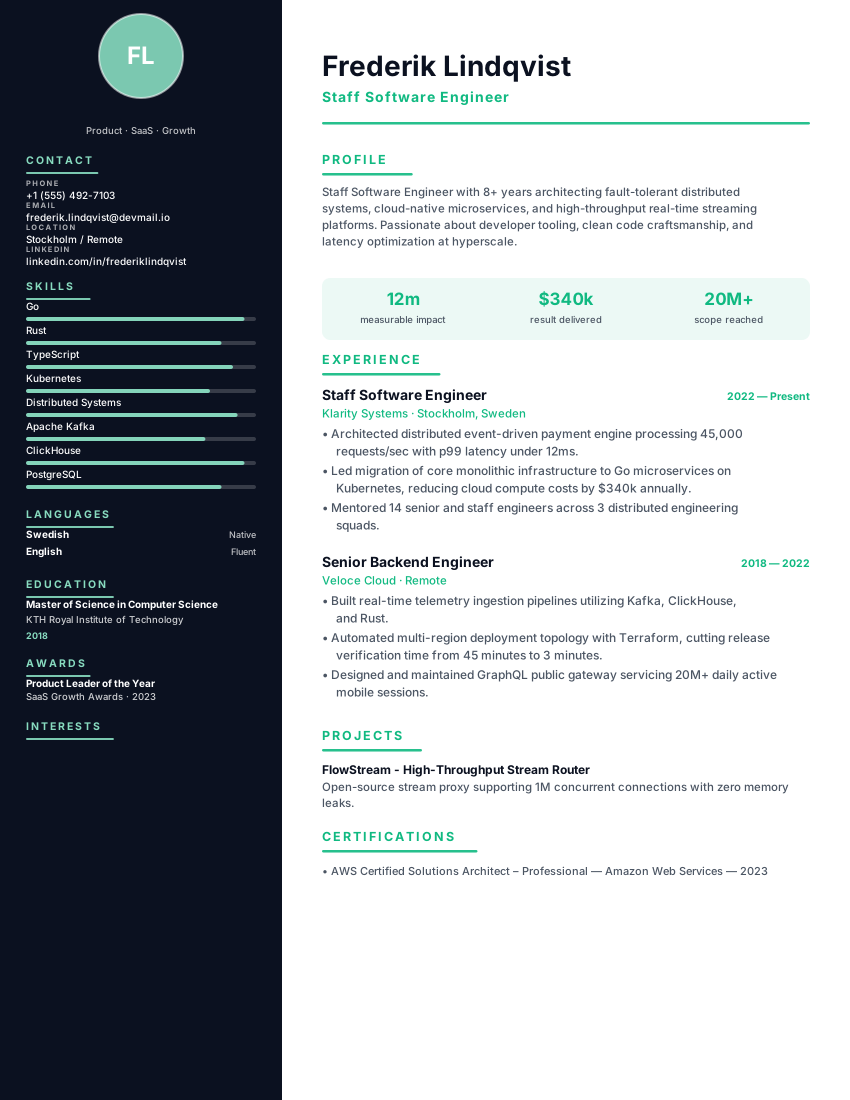
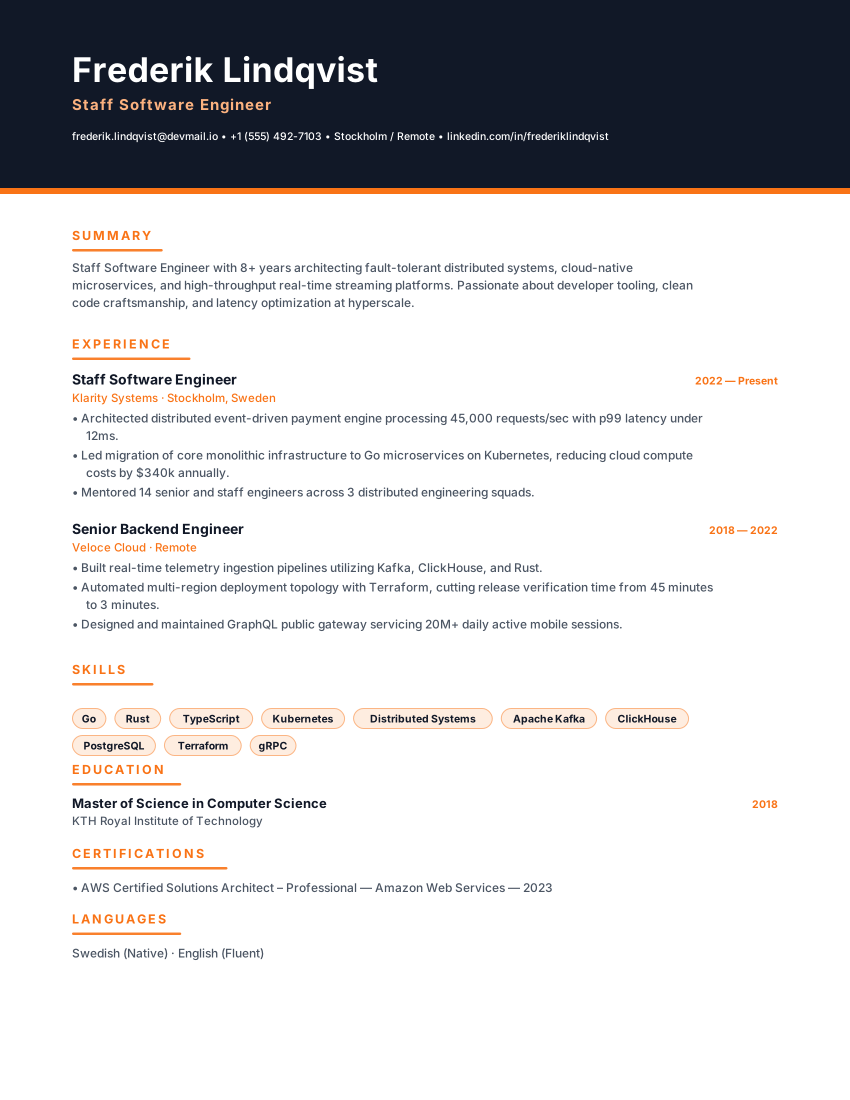
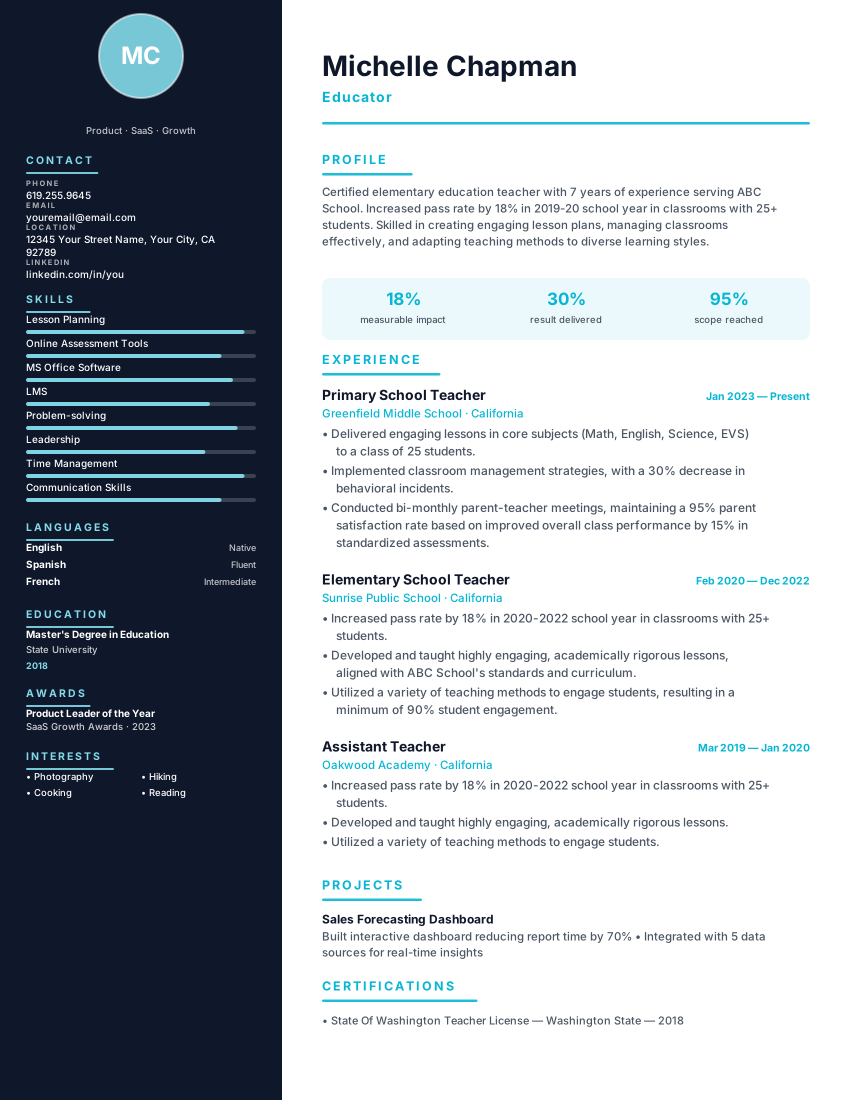
Technical two-column resume with midnight sidebar and cyan accent for software engineers and developers. Tech-stack focused.

TechnicalMidnightCyan
Software EngineersDevelopersTechnicalMidnight
PopularFilled example
Template layout
Use Template

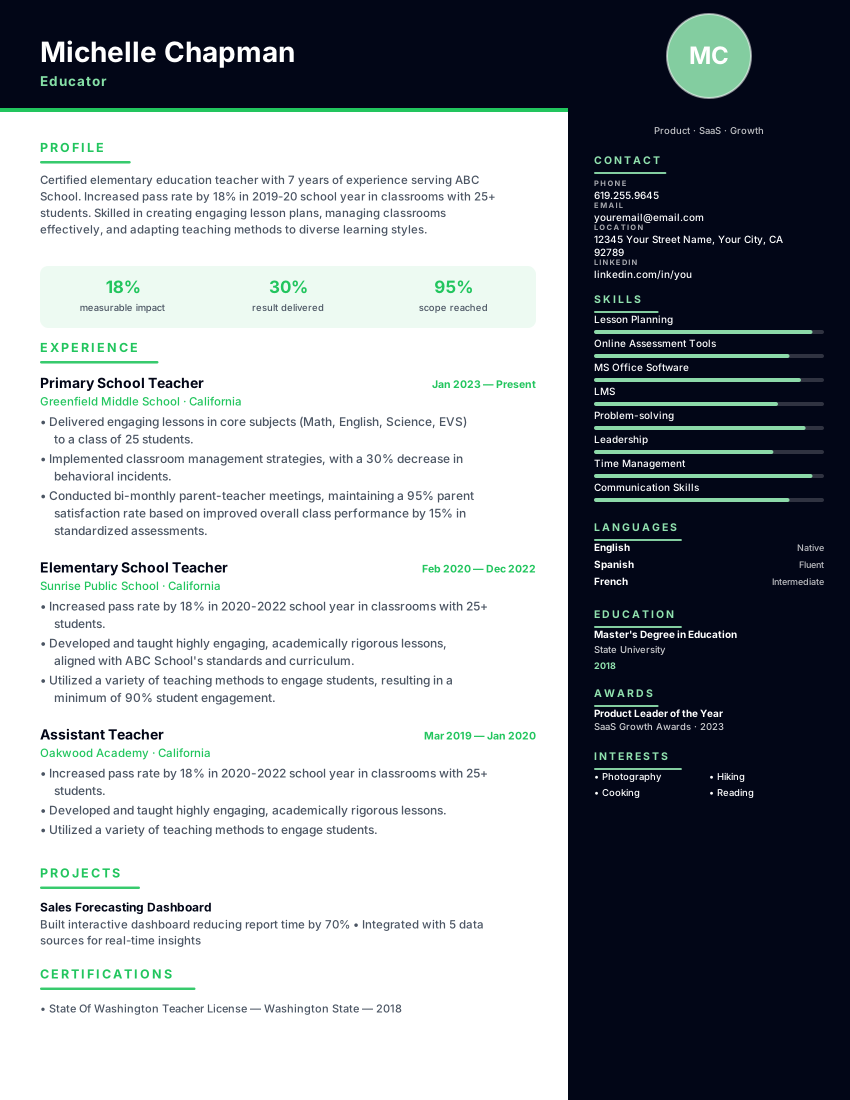
Engineering resume with dark midnight sidebar, emerald accent and tech-stack blocks for developers and tech leads.

StackMidnightEmerald
DevelopersEngineersStackMidnight
Filled example
Template layout
Use Template

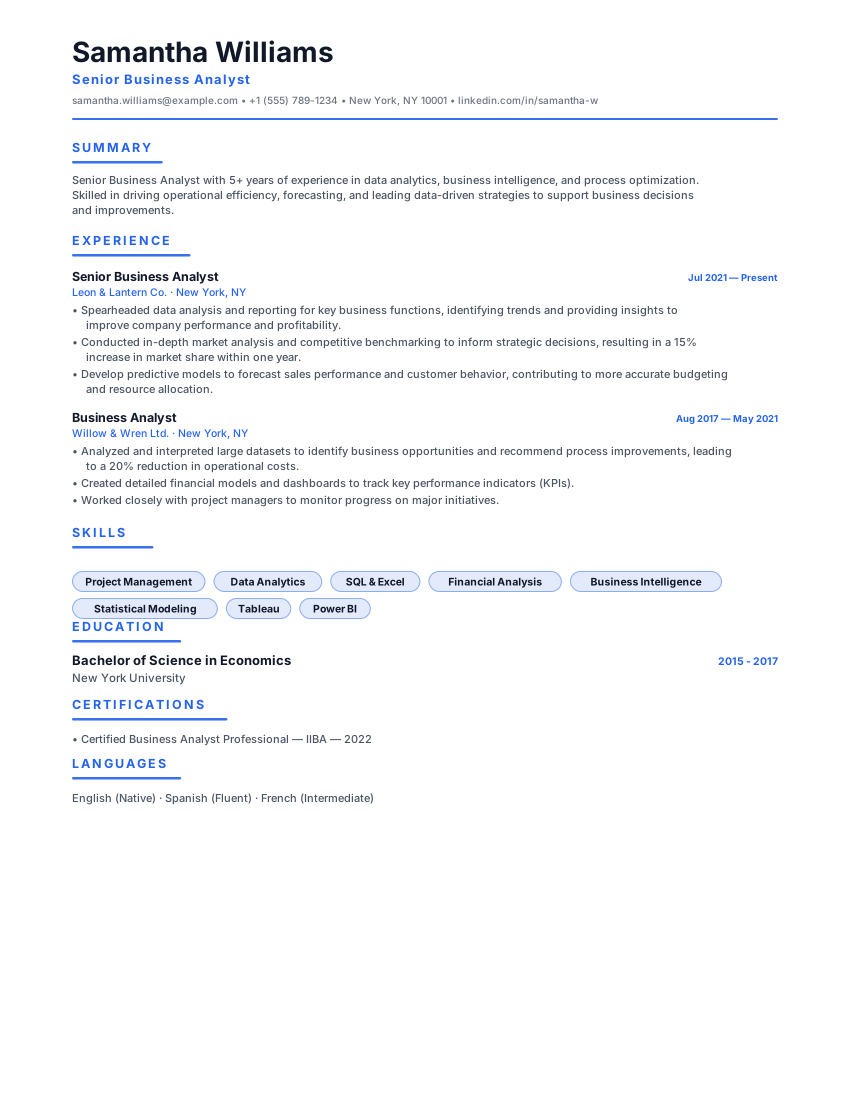
Space-efficient dense resume with tight type, a blue accent bar and a skill grid, made to fit a long career on one page.

CompactDenseBlue
Early CareerStudentsCompactDense
Filled example
Template layout
Use Template

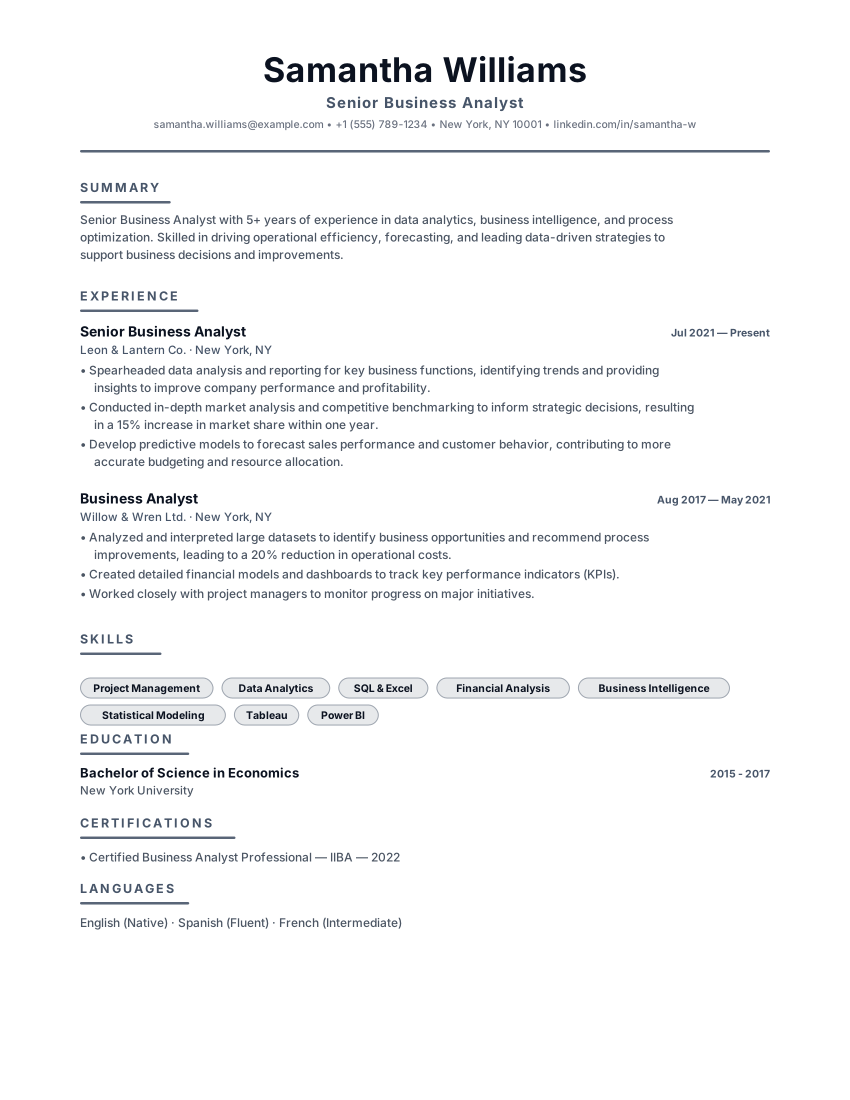
Dependable slate resume with charcoal accents, ruled headers and balanced hierarchy for managers and operations roles.

ProfessionalSlateCharcoal
ManagersAnalystsProfessionalSlate
PopularFilled example
Template layout
Use Template

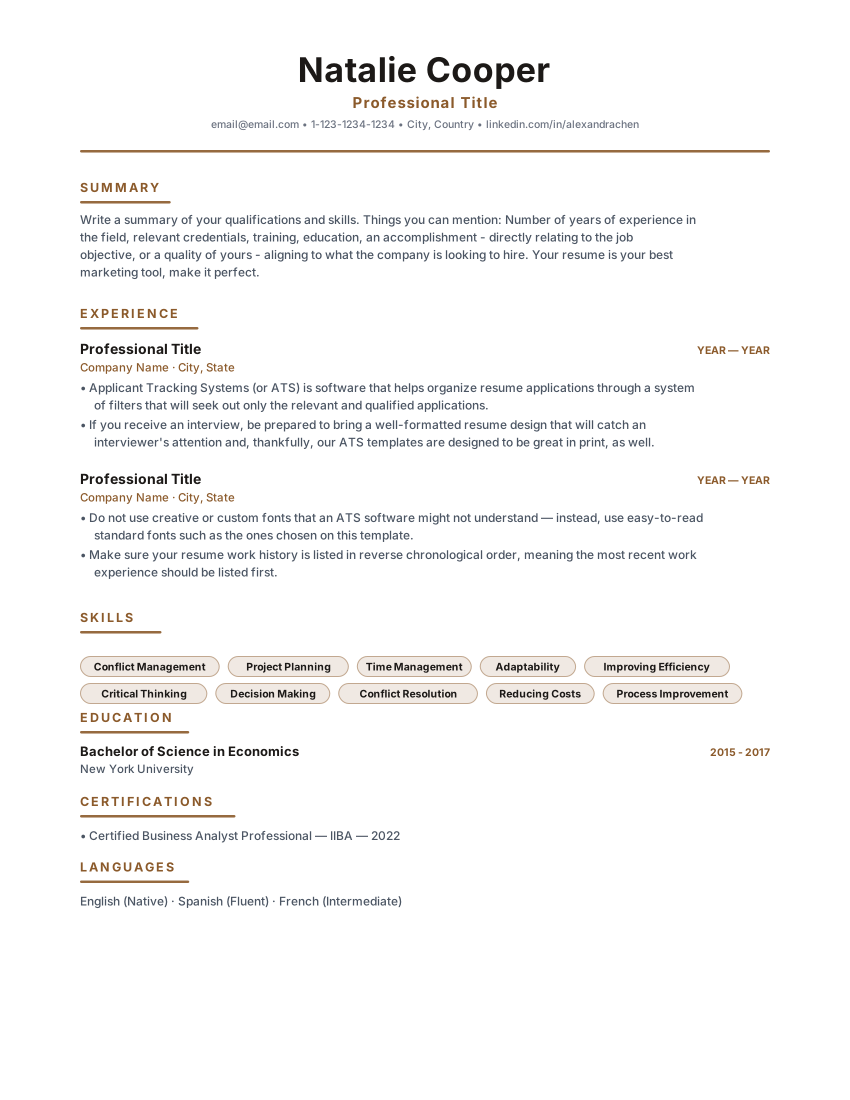
Timeless single-column classic resume with warm brown accents and centered header. Built for corporate, legal and business analyst roles.

HeritageClassicCentered
Business AnalystsAccountantsHeritageClassic
Filled example
Template layout
Use Template

Cloud DevOps

technical

DevOps resume template with cloud platforms, IaC, CI/CD, SRE metrics and incident ownership. Free ATS technical CV and PDF download.

DevOpsTechnicalProjects
DevOps EngineersCloud EngineersDevOpsTechnical
PopularFilled example
Template layout
Use Template

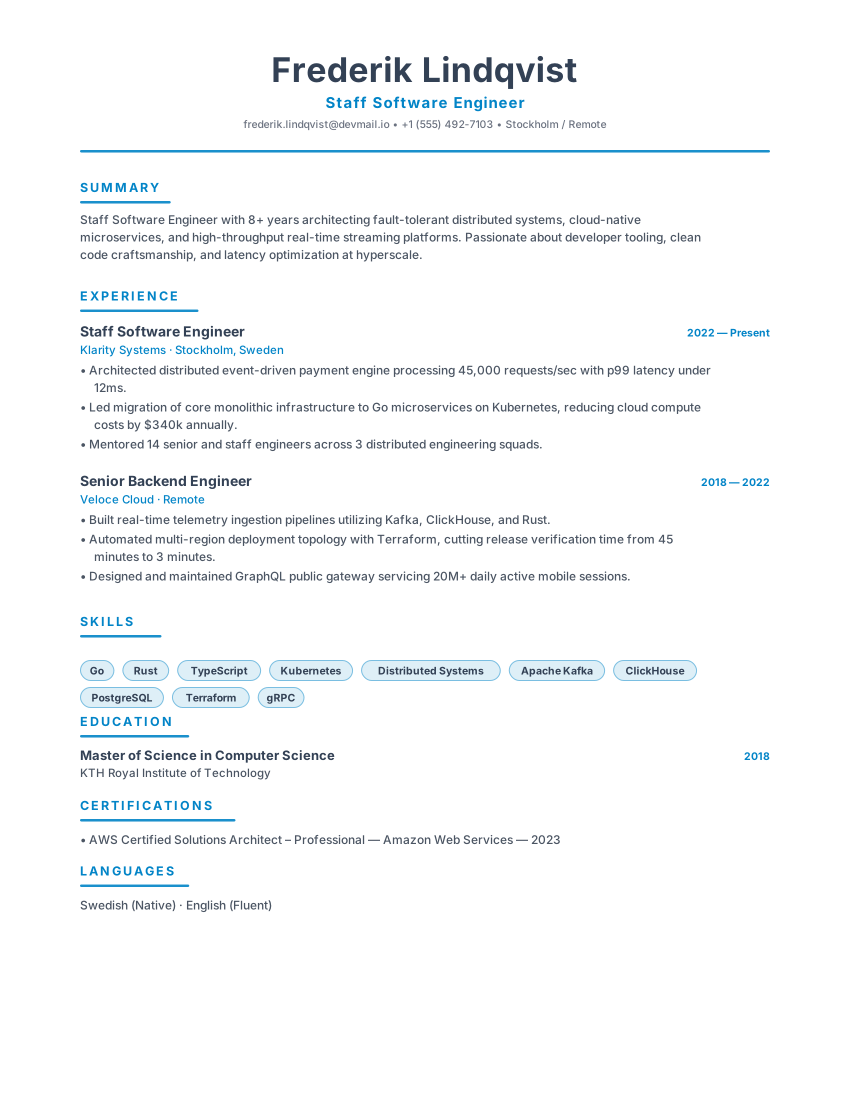
Scandinavian minimal resume with slate primary, icy blue accent and generous whitespace for engineers and product leaders.

NordicSlateIcy Blue
Software EngineersProduct ManagersNordicSlate

Layout, not adjectives

What to look for in a Cybersecurity Analyst resume template

The right template for this field is the one that puts the evidence a cybersecurity analyst screen checks first in a document a parser can still read. Style is secondary.

  • A credentials line that can hold clearance, CISSP, Security+, ISO or named vendor certs above the chronology.
  • A stack block for SIEM, EDR, identity and cloud security products written as literals.
  • Experience space for MTTD, remediation, audit findings and attack-surface reduction — not "responsible for security".
  • Enough restraint that the document does not look like a threat-intel poster.

Match the market

How to choose a Cybersecurity Analyst resume template

  • Cybersecurity Shield is the purpose-built layout: clearance and certifications first, then incidents, controls and tools.
  • Quantum Technical and Stack Engineer suit detection-engineering and security-software roles that sit closer to development.
  • Professional Slate and Heritage Classic fit GRC, audit and public-sector security seats that expect a conservative CV.

What belongs on the page

What to include in a Cybersecurity Analyst resume

Clearance and certifications first

Many roles hard-filter on these. Put status and expiry where they cannot be missed.

Named security products

Splunk, Sentinel, CrowdStrike, Okta — write the names. "SIEM experience" will not match those searches.

Outcomes without sensitive detail

Mean time to detect, findings closed, controls added. Never reproduce customer names, IOCs or internal incident IDs on a resume.

Scope of the environment

Endpoints, identities, cloud accounts, regulated data classes. Scale tells a hiring manager whether you have seen their world.

From template to file

How to create your Cybersecurity Analyst resume

  1. Open Cybersecurity Shield or a conservative technical layout

    Credentials have to be findable in seconds. These templates put them there.

  2. List only current certifications

    Expired Security+ or a lapsed clearance is a shortlisting risk. Renew before you apply, or omit.

  3. Describe incidents in aggregate

    Volume, severity, what changed afterwards. Individual case write-ups do not belong on a CV.

  4. Export and confirm credentials survived as text

    If a parser cannot read CISSP, the filter never sees you.

Questions

FAQ

Should clearance details go on a cybersecurity resume template?

State the level and country, not the investigating department or any caveat that is itself restricted. Follow your sponsoring employer's guidance when unsure.

Do I list every security tool I have opened?

List daily platforms and anything the advert names. A dump of twenty vendor logos is weaker than four products you can operate unaided.

Is a dark-themed security template a problem for ATS parsing?

Dark headers are fine when the body is selectable text in a single reading order. The Shield layout uses a dark accent without putting the chronology into a graphic.

How do GRC roles differ in template choice?

GRC and audit seats usually prefer Professional Slate or Heritage Classic. Detection and SOC roles can carry the more technical Shield and Quantum layouts.

Ready to build your Cybersecurity Analyst resume?

Open a template, replace the sample history with your own, and export a PDF or Word file. No account.

  • No credit card
  • No signup
  • 100% free