8 templates · free, no signup

Data Scientist Resume Templates

The usual failure on a data science CV is describing the model instead of the decision it changed. "Trained a gradient-boosted classifier" is a task; the saved review hours or the lift in a business metric is the result recruiters can use.

These data scientist resume templates give languages, libraries and deployment context a compact rail, and leave the timeline for problem, method and outcome. They are built so a keyword search for Python, SQL or the named cloud still hits.

  • free, no credit card
  • No login or signup
  • Live preview
  • PDF and Word export

8 layouts that fit how data scientist hiring actually reads a CV. Open a card to preview, or start in the builder — the same content reflows if you switch template later.

PopularFilled example
Template layout
Use Template

Data Model

technical

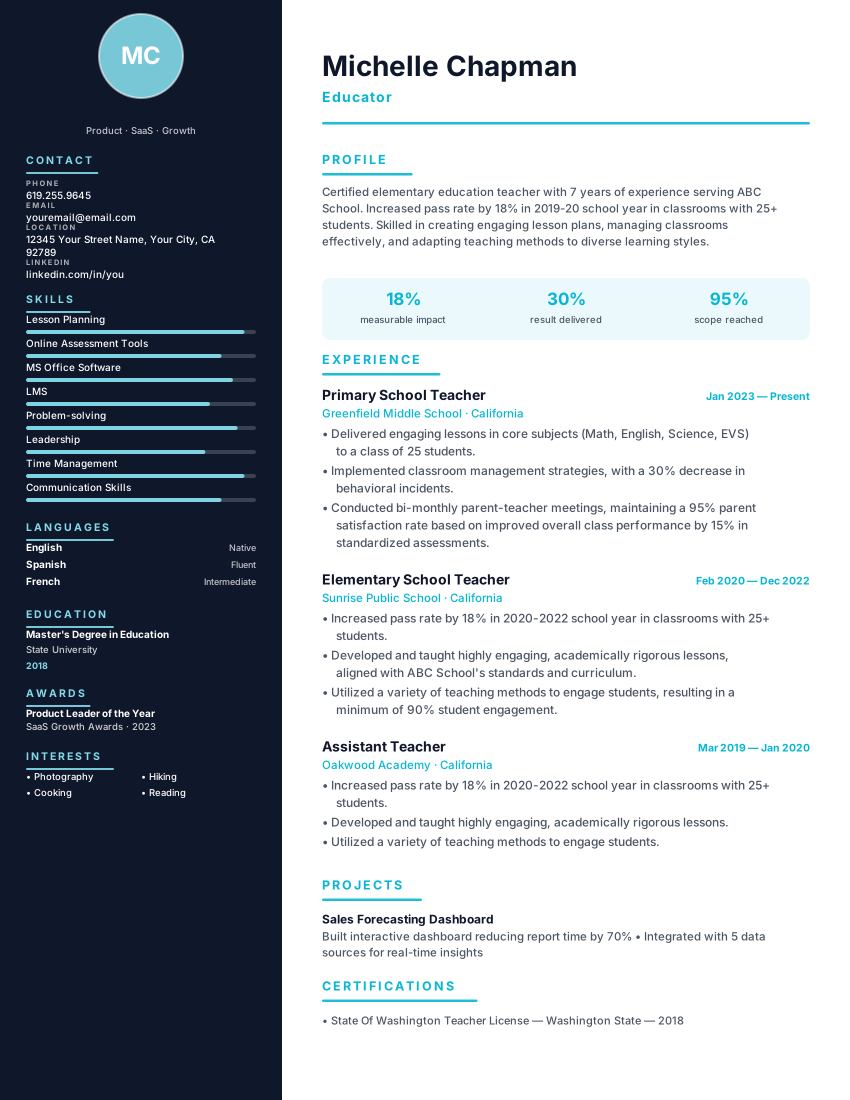
Data scientist resume template with ML stack, model metrics, datasets and deployed projects. Free technical ATS CV with instant PDF export.

Data ScienceTechnicalProjects
Data ScientistsMachine Learning EngineersData ScienceTechnical
PopularFilled example
Template layout
Use Template

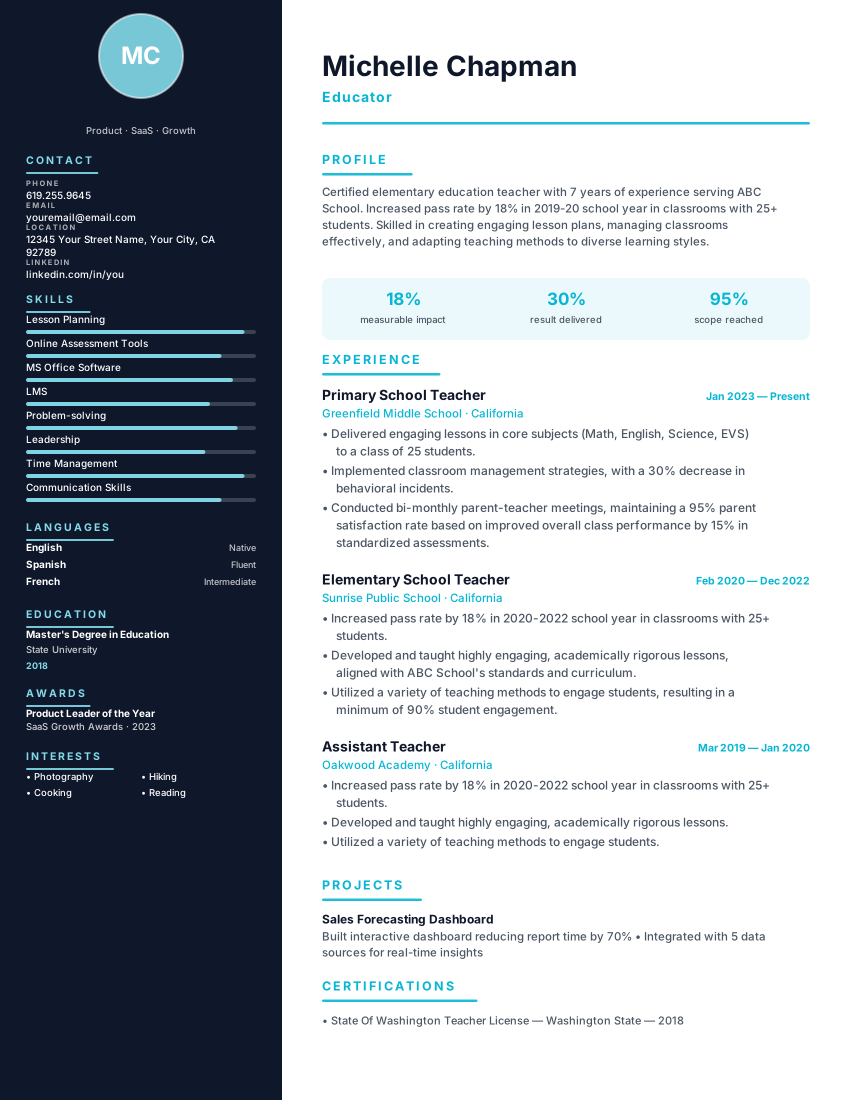
Technical two-column resume with midnight sidebar and cyan accent for software engineers and developers. Tech-stack focused.

TechnicalMidnightCyan
Software EngineersDevelopersTechnicalMidnight
Filled example
Template layout
Use Template

Research scientist CV template with publications, methods, grants, patents and conference evidence. Free ATS-readable format for R&D roles.

ResearchEvidence-ledATS
Research ScientistsPostdocsResearchEvidence-led
PopularFilled example
Template layout
Use Template

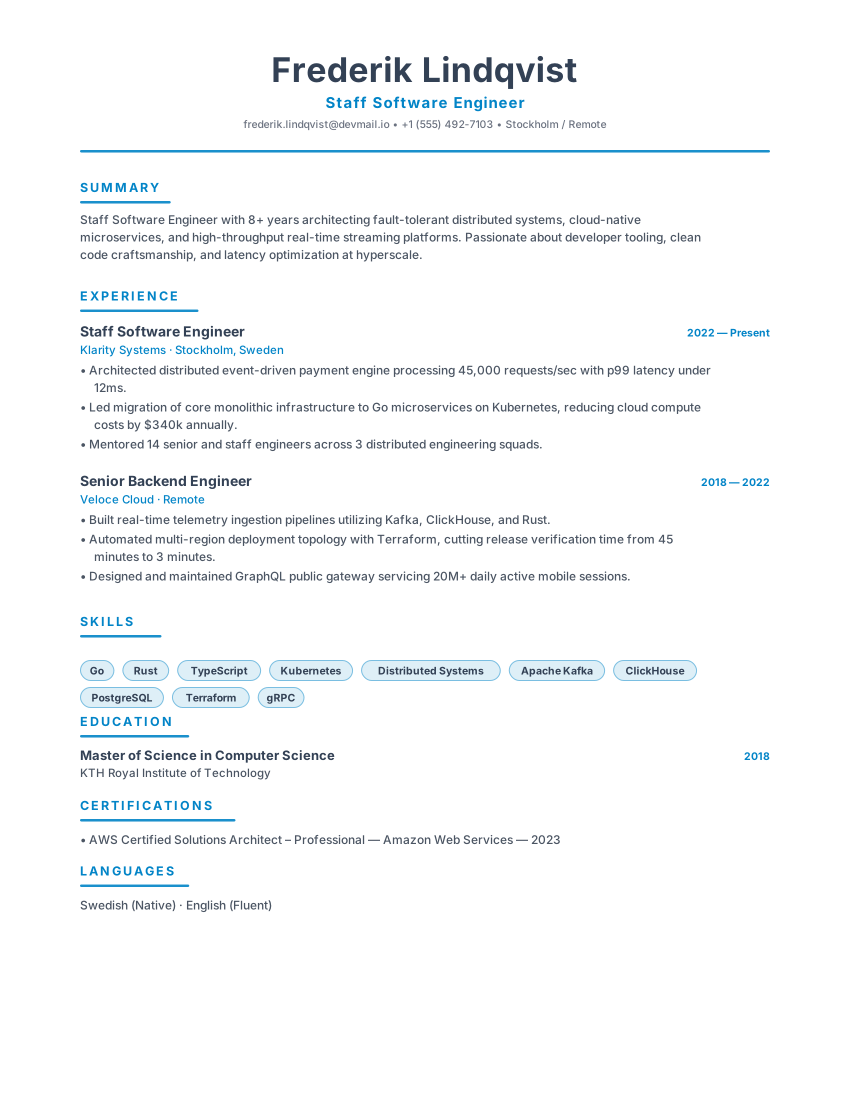
Scandinavian minimal resume with slate primary, icy blue accent and generous whitespace for engineers and product leaders.

NordicSlateIcy Blue
Software EngineersProduct ManagersNordicSlate
Filled example
Template layout
Use Template

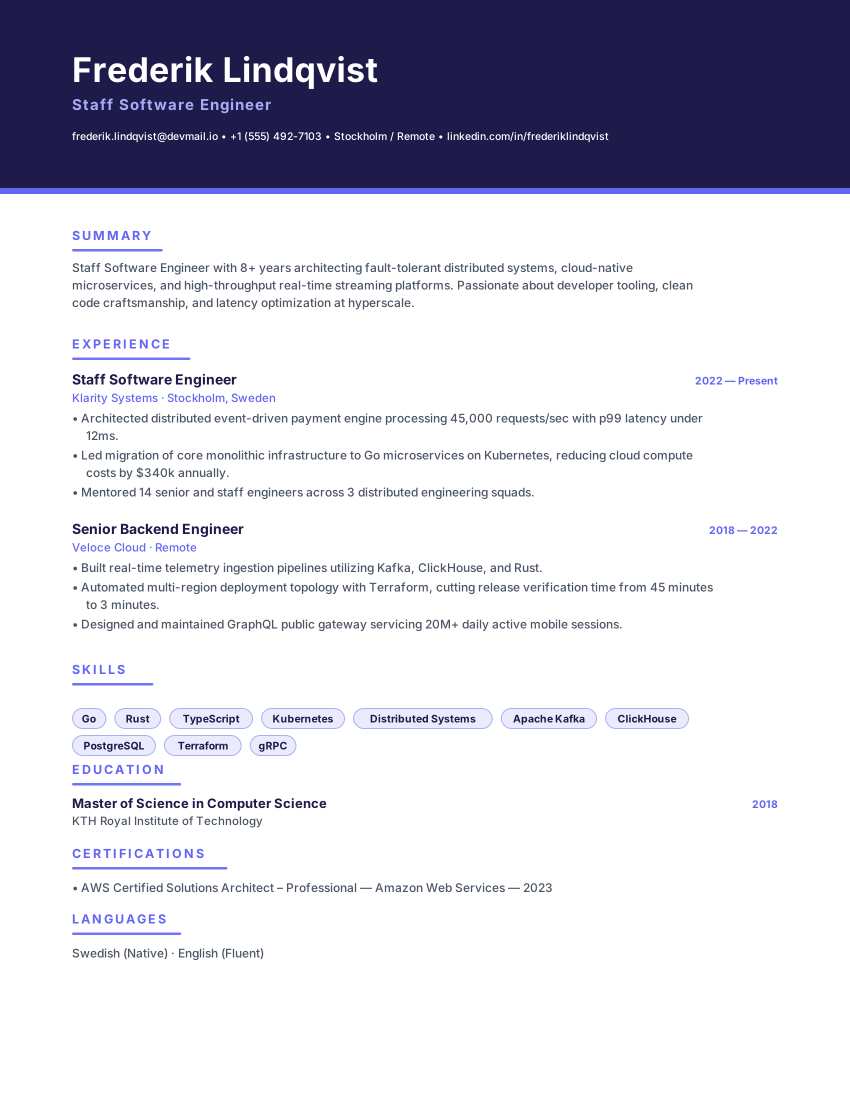
Confident indigo banner resume with violet accent rules and pill skills for software engineers and data scientists.

AtlasIndigoViolet
Software EngineersData ScientistsAtlasIndigo
Filled example
Template layout
Use Template

Space-efficient dense resume with tight type, a blue accent bar and a skill grid, made to fit a long career on one page.

CompactDenseBlue
Early CareerStudentsCompactDense
PopularFilled example
Template layout
Use Template

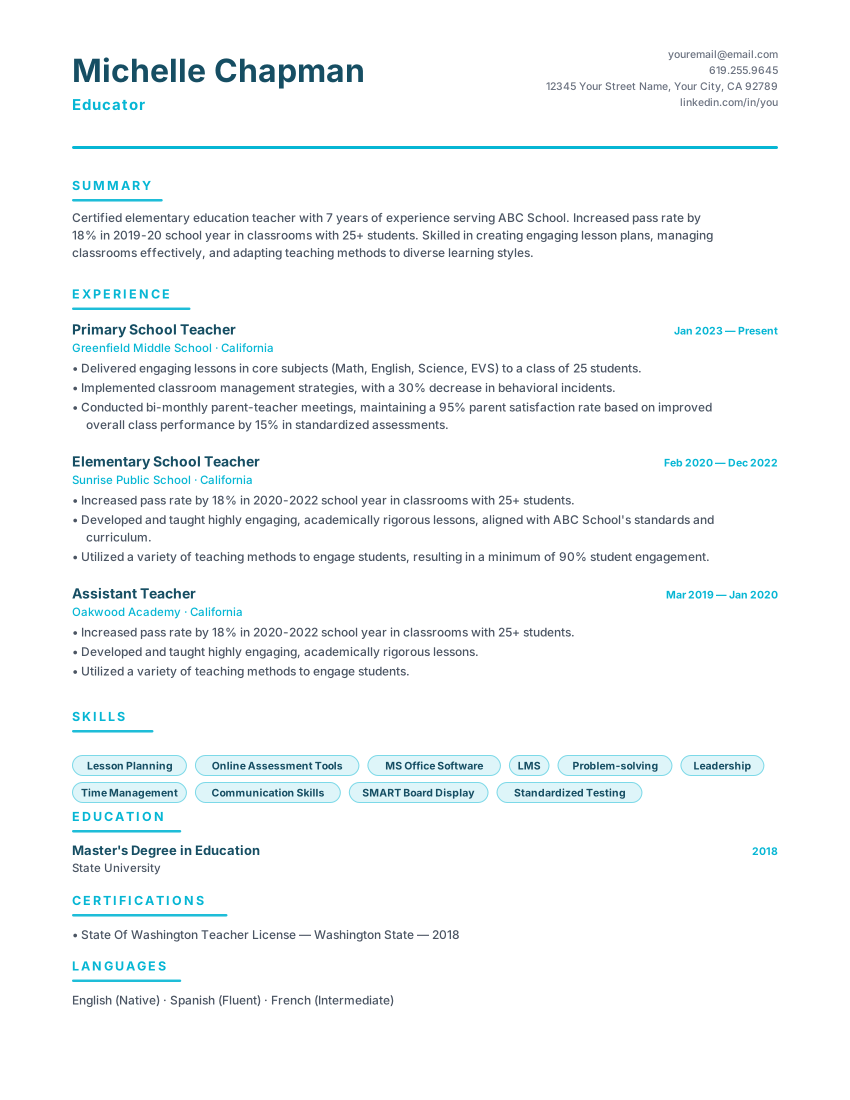
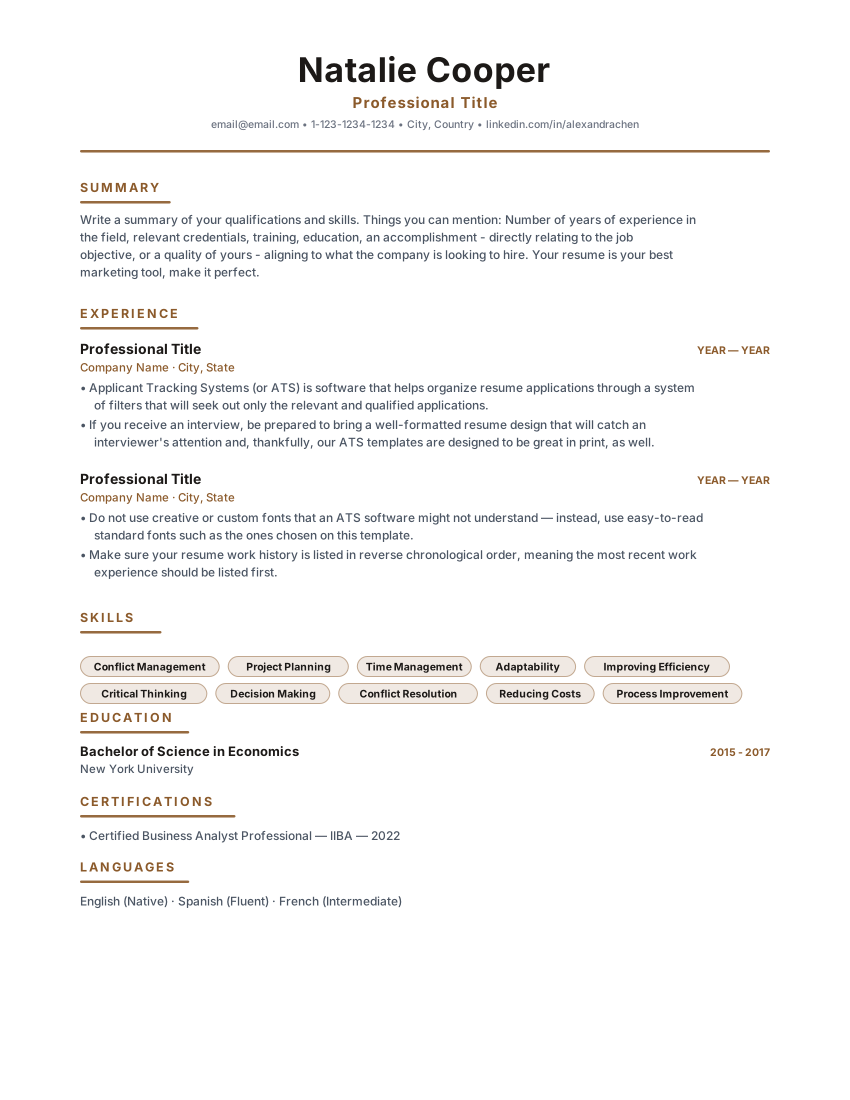
Timeless single-column classic resume with warm brown accents and centered header. Built for corporate, legal and business analyst roles.

HeritageClassicCentered
Business AnalystsAccountantsHeritageClassic
PopularFilled example
Template layout
Use Template

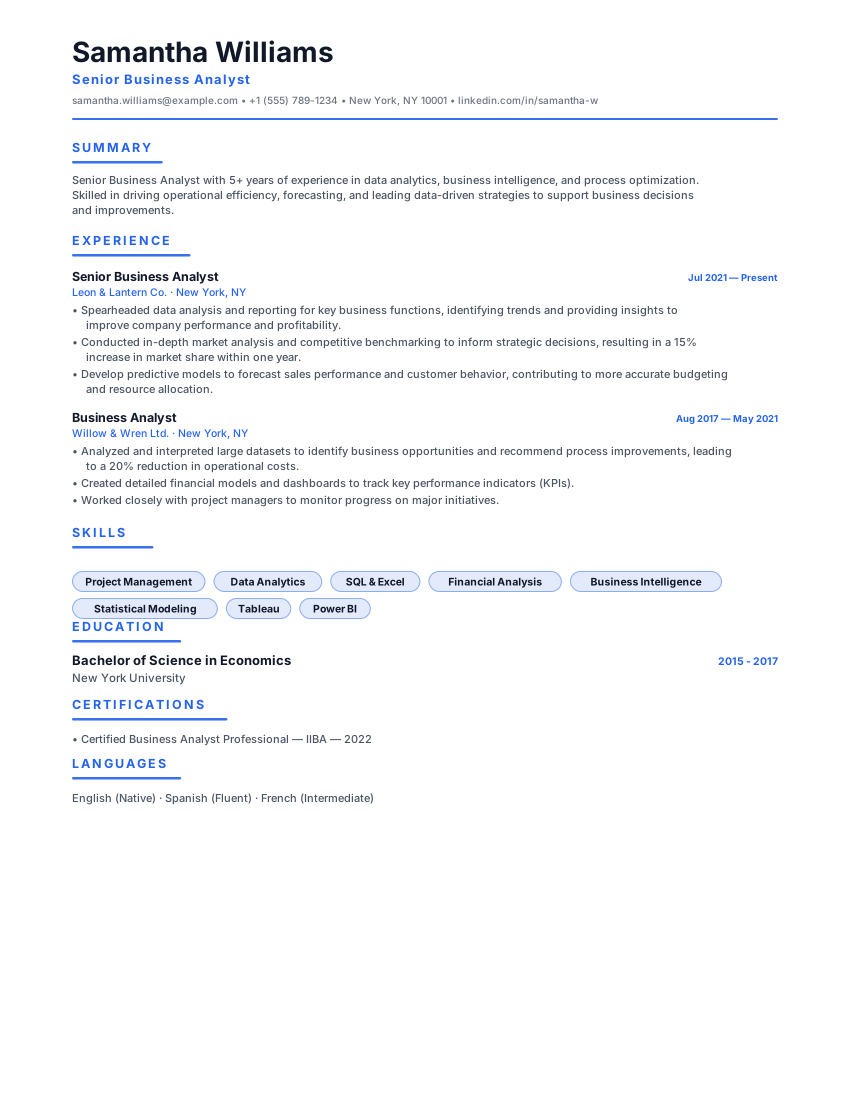
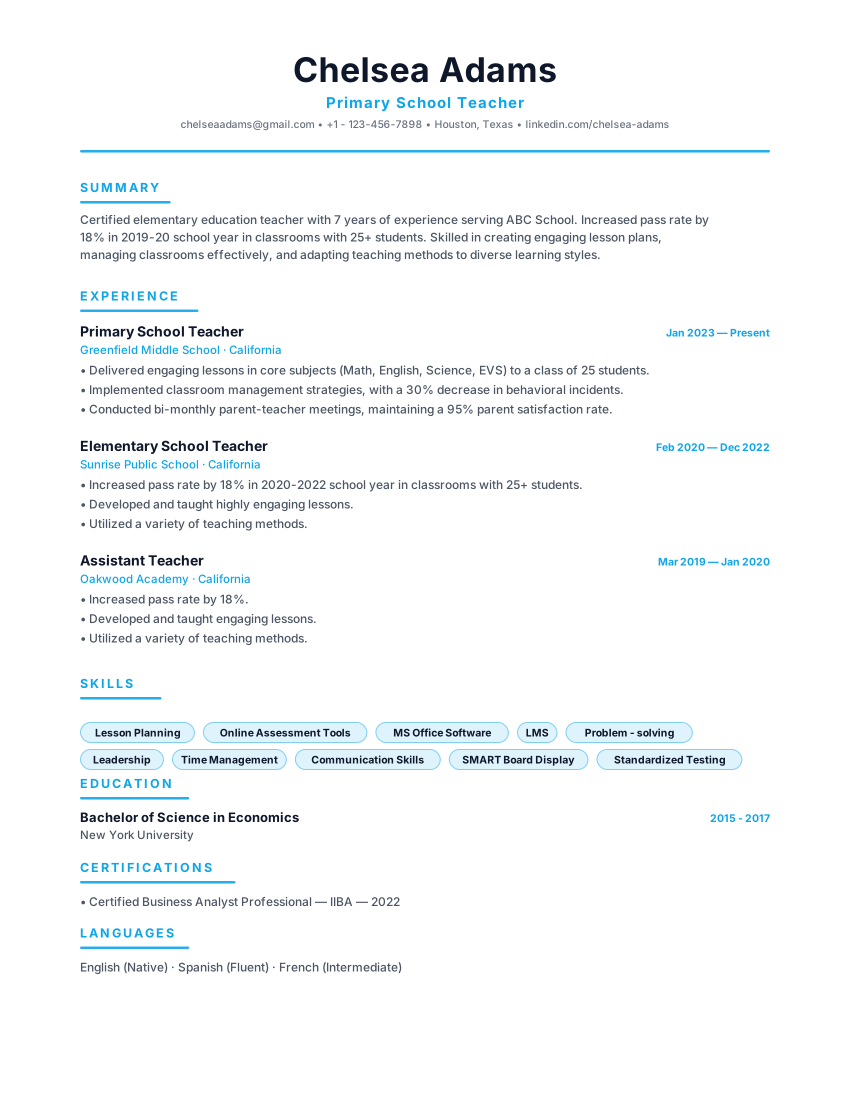
Ultra-clean minimal resume with sky-blue accent, generous whitespace and a left-aligned header. Perfect for tech and product roles.

MinimalWhitespaceSky
Software EngineersProduct ManagersMinimalWhitespace

Layout, not adjectives

What to look for in a Data Scientist resume template

The right template for this field is the one that puts the evidence a data scientist screen checks first in a document a parser can still read. Style is secondary.

  • Space to put model metrics next to the business decision they informed — not a leaderboard of F1 scores alone.
  • A toolchain block that can separate languages, ML libraries, data engineering and visualisation.
  • Room for production deployment evidence: serving, monitoring, retraining — not only notebooks.
  • Standard headings so publications or selected projects do not get parsed as job titles.

Match the market

How to choose a Data Scientist resume template

  • Data Model and Quantum Technical suit applied science roles where the stack and the metrics have to be obvious in the first pass.
  • Research Evidence is the better fit when publications, grants or methods papers are part of the screen — industry research labs and some R&D teams.
  • Heritage Classic and Compact Dense work for consultancies and regulated industries that still want a conservative document.

What belongs on the page

What to include in a Data Scientist resume

Business framing on every bullet

Name the decision, the method once, and the metric that moved. Methodology essays belong in an appendix or the interview.

Production vs notebook work

If a model is in production, say so. Notebook-only work is still valid early in a career; pretending it is a shipped service is not.

SQL and Python, stated plainly

These two are the first search terms on most data science reqs. Write the names, not paraphrases.

Confidential data, described by shape

"18 months of transaction-level data, 12 million rows" is enough. Never reproduce proprietary figures.

From template to file

How to create your Data Scientist resume

  1. Select a technical or research layout

    Match the template to whether the role screens on shipped models or on publications.

  2. Group the toolchain

    Languages, libraries, data platform, visualisation. Recruiters scan for SQL and Python first.

  3. Rewrite bullets around decisions

    If a bullet cannot name a decision or a metric, it is probably a task — cut or rewrite it.

  4. Export and scan the file

    Confirm that library names survived as text, then send. The ATS checker can run on the exported PDF.

Questions

FAQ

Should accuracy metrics go on a data scientist resume template?

Only beside the business outcome. An AUC on its own does not tell a hiring manager whether the model was useful.

Do data scientist templates need a GitHub block?

A readable repository with a README that explains the problem, the data and the result helps. A notebook with no narrative is weaker than two lines of production work on the page.

How technical should the language on the template be?

Assume the first reader is a recruiter searching keywords and the second is the hiring scientist. Name the technique once, plainly, then describe the result.

Is a two-page data scientist CV acceptable?

Yes once you have several deployed projects or a publication list worth keeping. Compress older roles instead of deleting them.

Ready to build your Data Scientist resume?

Open a template, replace the sample history with your own, and export a PDF or Word file. No account.

  • No credit card
  • No signup
  • 100% free